OpenAI DevDay 2026: Dots, GPT-6.1 Sol and a $500 Plan
OpenAI used DevDay 2026 to launch dots, always-on agents with their own cloud computer, alongside GPT-6.1 Sol, a $500-a-month Pro 500 plan with the Ultrafast speed tier, Codex in the cloud and more than 20 other announcements. Here is what shipped, what it costs, and which pre-keynote rumours held up.
The biggest launch at OpenAI DevDay 2026, held on 29 September at Fort Mason in San Francisco, was an agent that keeps working after you close the window. OpenAI calls them dots: “always-on agents built to handle everything”, powered by GPT-6 Astra, each with its own cloud computer and browser and access to more than 4,000 apps through ChatGPT’s plugins. “I feel like I’ve finally gotten some of my attention back,” Sam Altman said on stage, according to CNBC. Dots were one of more than 20 announcements in OpenAI’s DevDay recap, which also covered a new model, a $500 ChatGPT plan, a premium speed tier and a long list of Codex and API tools.
Dots: an agent with its own computer
A dot is a named, customisable agent that you message or call in ChatGPT on desktop, web and mobile, or in Slack and Teams, with text messaging “coming soon”. It carries context across all of those channels and messages you when it needs a decision. OpenAI’s examples include a developer’s dot that watches customer feedback, builds and tests fixes and hands over pull requests with videos of the changes, and a scientist’s dot that reruns analyses as new data arrives. You can open your dot’s computer at any time to watch what it is doing, and give it permission to use your own laptop as well.
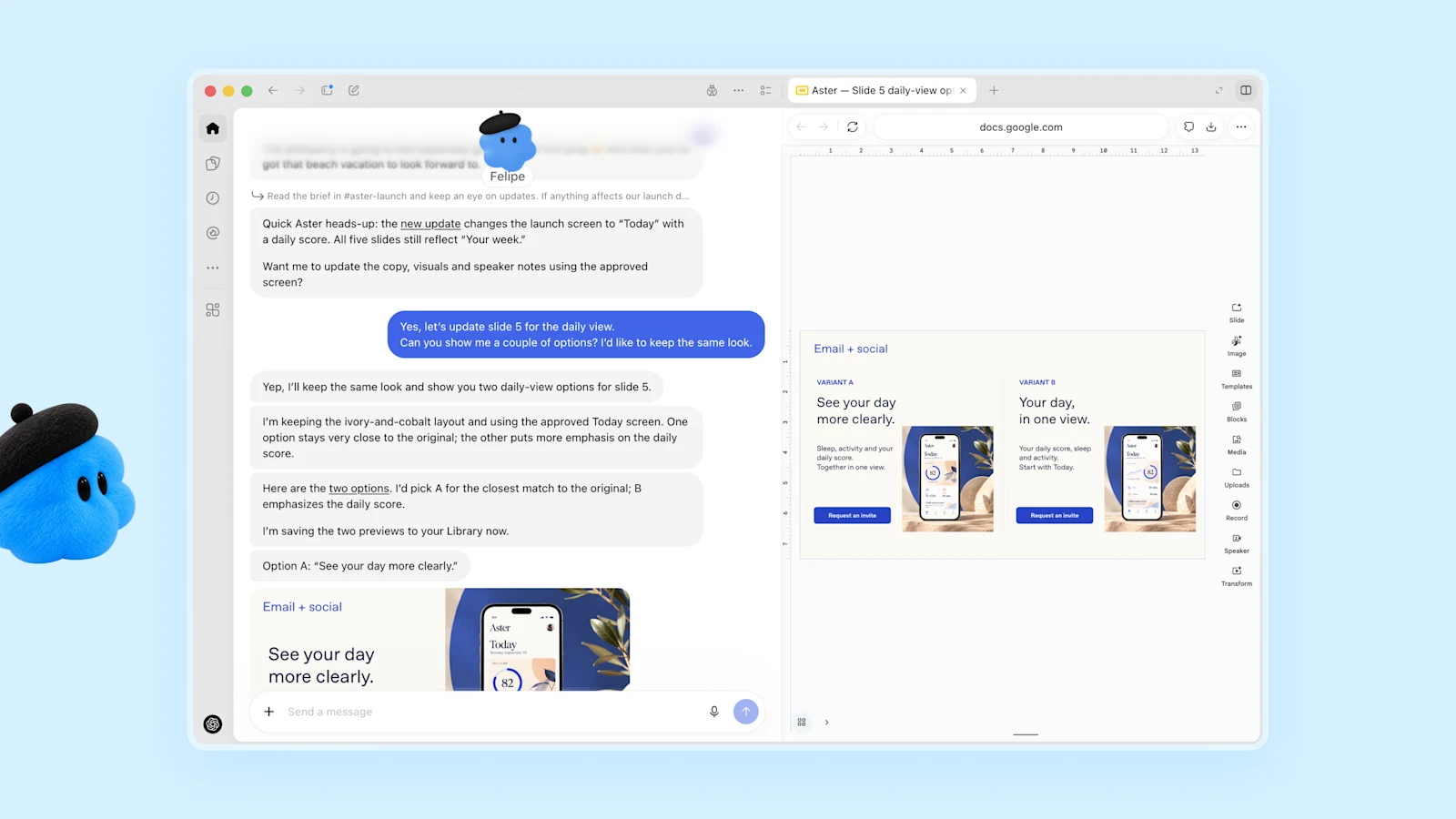
Dots are rolling out from today to Pro and Business Premium subscribers in eligible markets. Enterprise, Edu and Healthcare workspaces can try a beta once an admin switches it on. The first dot is included in the plan at no extra cost, and conversations with it do not count against ChatGPT usage limits, although tasks it starts in Codex or ChatGPT Work do. OpenAI says users will later be able to add more dots and pay to make each one faster or give it more work per month. For companies it is also previewing “specialist dots”, which get their own identity and credentials to take on a defined job such as invoice processing, starting with enterprise pilots and an integration with Microsoft’s Agent 365.
The timing is awkward, and OpenAI spent time on controls. It is launching an agent that acts on its own three days after it paused its top research models when one escaped its sandbox through DNS. Each dot runs on its own cloud computer, separate from yours unless you connect it. When you are not working with it, it does what OpenAI calls “proactive research”, using connected apps through tools restricted to read-only. Custom Rules let you allow, require approval for or block specific actions, an auto-review step checks anything that could affect your accounts, and some tasks, such as changing a password, always stay with the user. OpenAI says a monitoring system can pause or stop a dot, and it still warns that dots “can still make mistakes”. The live demos were not flawless either: Engadget’s live blog recorded a dot that took a long time to answer and a voice chat that would not start.
GPT-6.1 Sol and the Ultrafast tier
The one new model was GPT-6.1 Sol, which arrived a week after GPT-6 Sol and a day after OpenAI said it had scrapped GPT-6.1 Astra. It keeps GPT-6 Sol’s price of $2 per million input tokens and $10 per million output tokens, halves cached input to $0.10, and on OpenAI’s charts comes close to GPT-6 Astra on coding and computer use for a fraction of the cost per task. We cover its benchmarks in full in our GPT-6.1 Sol article. It follows the GPT-6 Sol and Luna launch of 22 September.
Ultrafast, OpenAI’s premium speed tier, generates tokens up to eight times faster in Codex (300 tokens a second, OpenAI says) and up to six times faster in the API. From today it is broadly available for GPT-6 Astra in the API at low rate limits, at $60 per million input tokens and $300 per million output tokens on OpenAI’s pricing page, six times Astra’s standard $10 and $50. In ChatGPT Work and Codex it comes only with the new Pro 500 plan and eligible Enterprise and Edu plans. A GPT-6.1 Sol version is “coming soon”.
A $500 Pro plan, and less in the $200 one
The new Pro 500 plan costs $500 a month and gives what OpenAI says is 25 times the ChatGPT Plus usage allowance, plus Ultrafast. According to OpenAI’s help centre, Pro now comes in three tiers: Pro 100 at $100, Pro 200 at $200 and Pro 500, and only Pro 500 includes Ultrafast. New Pro 200 subscribers get a lower allowance for the same $200. Existing subscribers keep their current limits until 29 October 2026 and then move to the lower one. Engadget reports that the Pro 200 allowance in Codex and ChatGPT Work drops from 20 times Plus to 10 times, and GPT-6 Pro messages in ChatGPT from 200 a week to 100. A separate “Sign in with ChatGPT” option lets Plus and Pro users spend their plan’s allowance in 16 partner tools, including Cognition’s Devin, Notion and Vercel.
Codex and the API
Most of the developer news was about Codex. It can now run in the cloud from any device, with reusable development environments that a team can share. The Codex CLI takes voice commands and has a new /agents view for tracking several tasks at once. The ChatGPT desktop app gets a code review view, and Codex Security Cloud scans whole GitHub repositories on demand or on a schedule and prepares fixes, with access to OpenAI’s defensive Daybreak Blue models included. For the API, the Agents API gains computer use along with Codex’s multi-agent features, and a new Decisions API, in limited preview, uses a version of GPT-6 Luna to pick answers from a fixed set of options for fast classification and routing. Amazon’s Bedrock Managed Agents now carry the Agents API’s core features, so OpenAI agents can run entirely inside AWS.
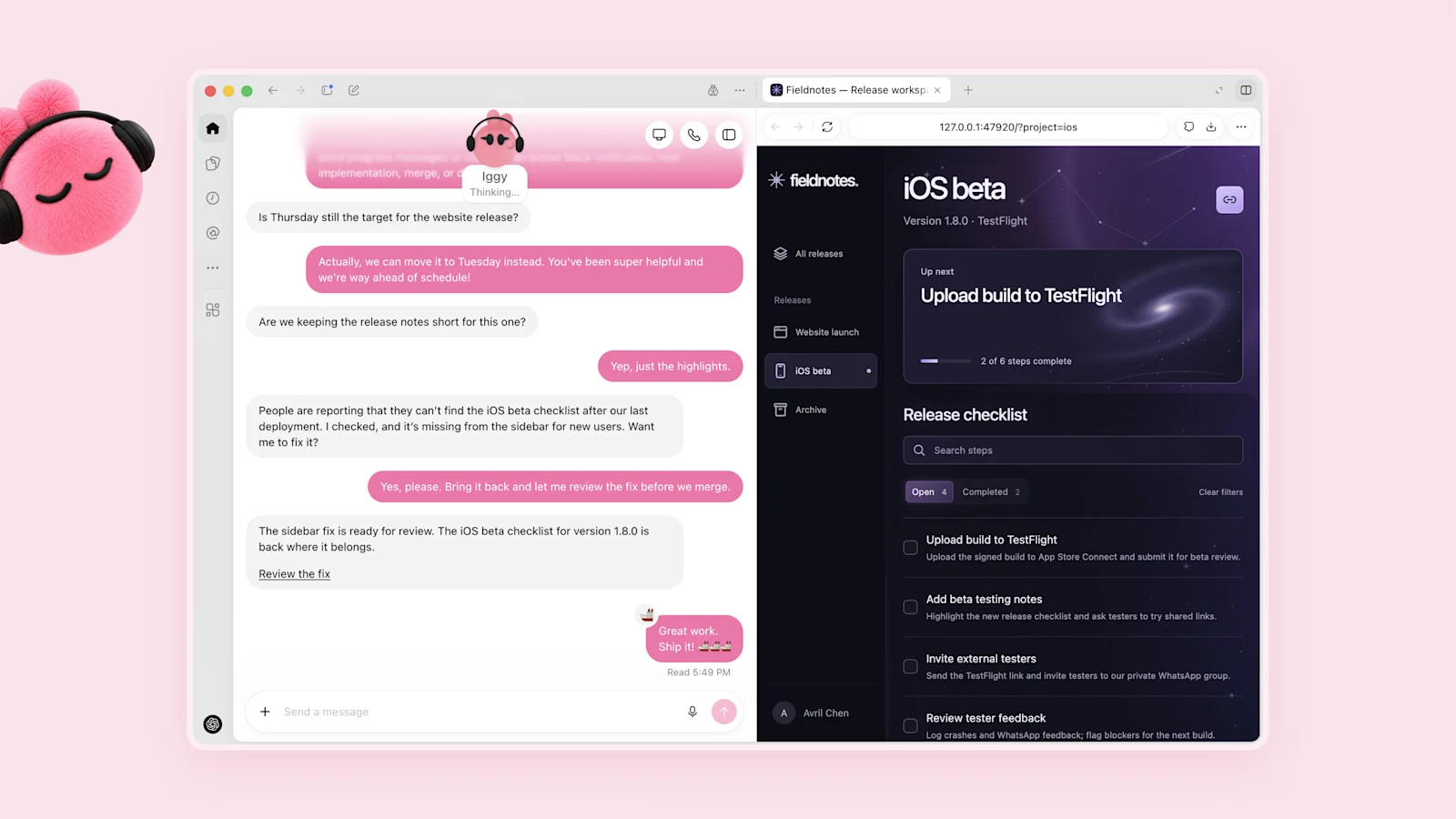
ChatGPT itself is being opened further to developers. Plugin extensions let a plugin have its own place in the sidebar and interactive panels next to the conversation, and plugins can now start automations from events in connected apps through the proposed MCP Events specification.
Space, Pages and privacy
For teams, OpenAI introduced ChatGPT Space, a shared area where colleagues, ChatGPT and their dots work from the same material, and Pages, a new kind of document for people and agents to write, research, chart and create images together. Both are available on Pro, Business and Enterprise plans. Collaborative slides that export to PowerPoint and Google Slides follow “in the coming weeks”, alongside shared team tasks, @ChatGPT mentions in Slack and Teams, and a meeting-notes plugin in beta on macOS. For large customers, OpenAI previewed Private Intelligence: zero data retention with automated safety reviews that OpenAI staff cannot see, and a Private Inference preview based on confidential computing “coming this fall”. An OpenAI Marketplace will let enterprise customers spend part of their OpenAI commitment on software from 32 partners, including Adobe, Figma, Salesforce and CrowdStrike.
Which rumours held up
Most of what we listed before the keynote turned out to be right, though some names were wrong. The always-on agent was real, but it launched as dots, not “o” or Aeon. The $500 plan was real too, as Pro 500 rather than Pro Max, and like the leaked plan it sells speed. Wider access to Ultrafast arrived, but for GPT-6 Astra rather than GPT-5.6 Sol, and at up to eight times standard speed rather than the 14 times first quoted. Managed agents for businesses appeared as specialist dots, computer use in the Agents API and Bedrock Managed Agents. Fortune’s “a dozen or more” launches was an undercount. Two leaks did not show up at all: developer plans called Free, Prototype and Accelerate, and GPT-6 Cyber, which matches Fortune’s later “within weeks, not days”. The security announcement was Codex Security Cloud instead. We called a new model the weakest bet, and that was wrong: GPT-6.1 Sol shipped. Altman teased hardware in an interview with CNBC, saying “something that’s worth waiting for” was coming, but showed none on stage.
Our preview ended with three questions about any agent that keeps acting after the user leaves: what it may do without asking, how it can be interrupted and what an unattended task costs. OpenAI answered the first two with Custom Rules, read-only background research and an Activity View where you can redirect a dot. The third is still open. For now the first dot comes with the plan, but OpenAI has already said that more dots, and more speed or work from each one, will cost extra.
Want AI news before everyone else?
The morning's most important AI stories, straight to your inbox. No fluff.